Category Archives: IT Manager Tools

Tools of the trade to help you achieve more success

Do you know what your team is getting accomplished?

In 1988, I was planning to hold a January Kickoff Meeting with my IT staff. To prepare, one of the things I wanted to share with them was our organization’s accomplishments for the previous year. I listed the immediate things that came to mind and then began to take a closer look by reviewing meeting notes, calendar events, project plans, etc. When I completed my research, I was literally blown away by how much was accomplished in the past year.


What this told me was that if I, the manager, was surprised and didn’t really know how significant the accomplishments were, then certainly my staff and my clients would be surprised as well. When I shared the information with everyone at the Kickoff Meeting, their surprise was visible.

You see, we all tend to focus on what’s not getting done, rarely thinking about what we have accomplished. It’s a normal tendency, but it doesn’t do justice for the hard work and commitment your employees put into their jobs.

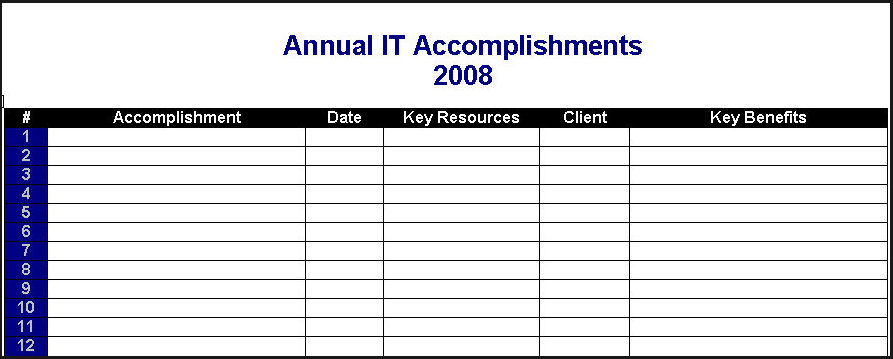
From that point, I started maintaining a list titled Annual IT Accomplishments to track my teams completed work and successes so I can show others (senior management, department managers, and IT employees) how much is getting done.

If you don’t do this as a manager, no one will know!   

As projects get completed, I simply add the information to the list. At the end of the year, I have a nice record of what we worked on.

The approach used in this tool can also be helpful in gathering input for employee performance reviews as it gives you a quick look at who worked on certain projects, etc.

Download the Annual IT Accomplishments tool and start tracking your accomplishments.  CLICK HERE to download.

It’s important for you to share your organization’s accomplishments, , , if you aren’t, I can assure you no one knows how much your IT organization is getting done, , , and that would be a sad state of affairs.
Are your clients happy?

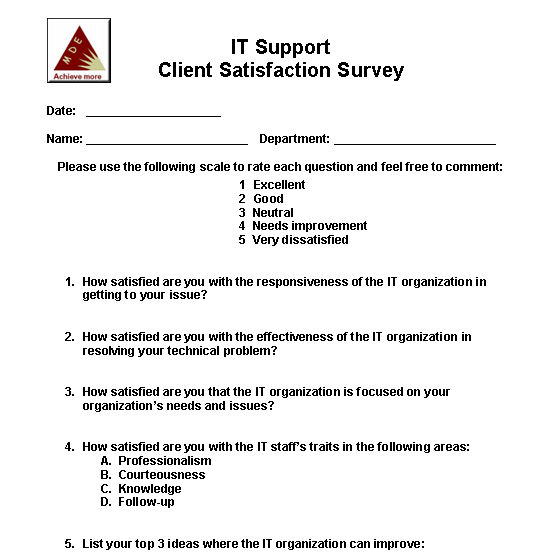
Take a look at a simple survey you can use to measure the level of satisfaction of the technical support you are providing.

At the end of the day, how your client feels about your IT organization and the support you provide is what really counts.

You probably don’t want to send this survey out and expect to get it filled out, , , it won’t happen. What about visiting your client or maybe making a quick phone call and asking them a few questions? That will get a much better response.

When looking for client satisfaction, there are a few things you want to learn:

  • IT responsiveness
  • IT focus
  • IT effectiveness
  • Perception of the IT staff

If you can learn about where you stand in these areas, it is like finding gold. Very valuable. The nice thing about personally interviewing the client is that when he or she responds negatively, you can ask for information that helps you better understand what’s going on – powerful information to have.

Download the simple survey I like to use to understand what your client thinks about their IT support organization.

CLICK HERE to download the Client Survey

By the way, do you know what I mean when I say “client”?

It’s two, possibly three groups:

  1. Senior management of the company
  2. Department managers of the company (also represent users)
  3. Outside clients if you have them (outside your company)

A quick survey can tell you a lot. Learn from it and do something that positively addresses the issues you discover. The benefits to your organization can be pretty amazing.

Client Rescue Guide

When you and your client “get out of sorts with one another”, it is your responsibility (IT) to resolve the issue. It’s up to you to improve the relationship, , , it simply won’t happen the other way.

A simple process I go through when dealing with a problem client is included in my Client Rescue Guide. It worked for me many times and will for you.

A problem client is actually an opportunity in disguise. Their bad behavior and harsh words are simply frustrations seeking their way out of the client. It’s not personal although sometimes it may feel like it.

To rescue a client from the doldrums does not require a technical or complicated process, , , it is actually pretty simple when you get down to it.

CLICK HERE to download my Client Rescue Guide.

Boost productivity with a To Do List

I’m a big believer in keeping a To Do List and have done so for as long as I can remember. It helps me stay focused and ultimately improves my output.

If you have my IT Manager ToolKit, you should already have this tool. If not and you are interested in the complete IT Manager ToolKit containing over 100 management tools, learn more at www.mde.net/cio/page13.html

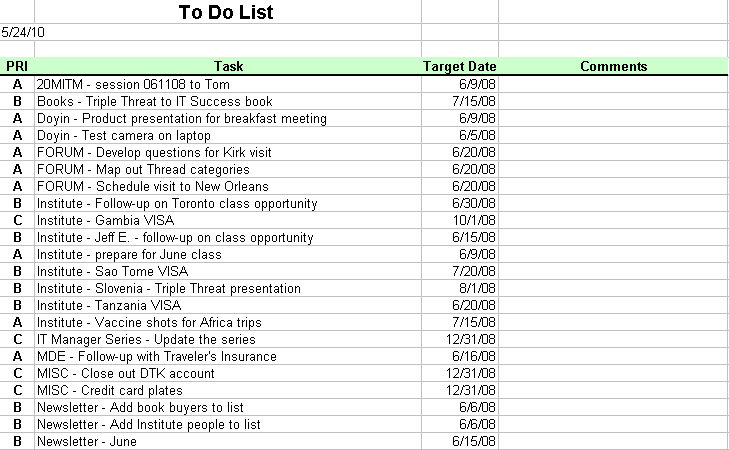
Download the To Do List tool from the link below. It includes simple instructions, 4 templates, and an example.

www.mde.net/tools/ToDo.xls


In the tool, there is a template for Daily, Weekly, Monthly, and Annual Initiatives. I normally use the Weekly To Do List and manage from a weekly set of tasks I want to accomplish. At times, I’ll use the Daily version but tend to fall back into the weekly template.

Every weekend, I sit down to list the key things I need to accomplish in the coming week and place a priority on them. I use a simple priority method of A, B, or C for High, Medium, and Low. The to-do items aren’t listed in any real order, , , just put down as I think of them. Once prioritized, I can sort them by priority so my focus in the week is targeted to the most important items.

That’s a key point – be sure you determine what “has to be done” and organize your work week to take care of the essential tasks first, , , or early in the week. Otherwise, you can find yourself working on the more fun things and possibly less important issues and miss out on getting the truly important issues taken care of.

Getting productive is about focus, but also about being disciplined to work on the most important issues first.

By listing what you want to accomplish for the year and breaking it up into smaller segments (Monthly, Weekly, and even Daily if you prefer), it helps you stay focused to getting things done, , , and that’s what productivity is all about.

I’ve used the Weekly version of this tool since my IBM days in the early 1980’s. It has worked very well for me and continues to make a positive difference in my productivity.

New IT Manager needs a fast start

Just been promoted to a manager position?

Inherited another IT organization because you’re doing a great job?

No matter what the reason, a new IT manager of an organization needs to get off to a fast start, regardless of how much experience you have.

Use this IT Manager Fast Start Checklist to focus on the first 30 days that helps you gain credibility and support from people in your company.

CLICK HERE to download

Interested in my complete IT Manager ToolKit containing over 100 management tools I developed to help me manage IT organizations? Learn more at www.mde.net/cio/page13.html

Budgeting for IT – keep it simple

Sooner or later you are going to need to create a budget for your IT organization. To budget effectively, you need a few tools and a simple process.

Budgeting should not be a drudgery and it should not take hours and hours of work. I’ve developed hundreds of IT budgets and can’t remember ever failing to achieve my budgeted plan. I also do not spend days working on the “perfect plan”.

Download the budgeting tools I use when creating a budget for my organization. They are simple, yet effective tools to get the job done. I usually use these tools and then transfer the appropriate data to the spreadsheets accounting gives us to fill in a department budget for the company’s budgeting process, , , I can do what I need quickly and be confident I will deliver an achievable plan.

CLICK HERE to download the budget tool and instructions.

Book_IT BudgetingInterested in learning more? You may want the e-book, IT Budgeting: operational and capital budgeting made easy, that discusses the budget process and tools I use in detail plus insights and techniques that help you create a conservative and achievable plan.

Click here to see the Table of Contents and description.

Cost Savings Initiative tools

In today’s tight economy, the IT organization should be shining like a bright star. Your IT organization is the only organization in the company that can positively affect the productivity or cost of all organizations in your company.

IT has true leverage if you decide to use it, , , and in tough times, senior management needs your help.

In 1991, our company was preparing to take the company public. To do so we needed to be able to show consistent growth and profitability. We ultimately achieved this objective with a highly successful public offering in 1992 because we implemented an aggressive cost savings initiative throughout our company. Without it, our 3rd and 4th quarters of 1991 would have been poor and destroyed our chances of a successful public stock offering.

Download the Cost Savings Initiative below and take a look at the 20 Minute IT Manager that discusses this topic. Get aggressive with cost savings and you can make a difference for your company, , , and IT will shine like the bright star it is.

CLICK HERE to access the 20 Minute IT Manager session

CLICK HERE to download the Cost Saving spreadsheet tool

IT Initiatives Portfolio

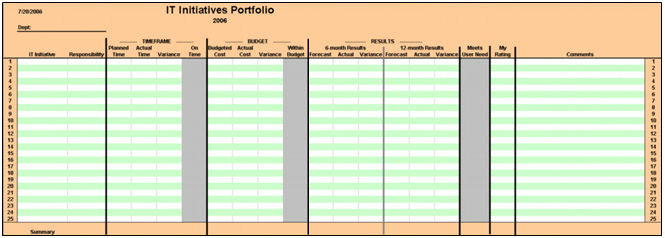
A great tool to help you track the results and successes you are getting in delivering your IT projects is an IT Initiatives Portfolio.

CLICK HERE  to download the IT Initiatives Portfolio tool now.

CLICK HERE to view the 20 Minute IT Manager flash session to learn more about this tool and how to use it.